
APT MV AIMake an APT. AI Video from Two Photos
Choose a singer and a drummer from two separate photos. APT MV AI places them in the pink-studio duo performance, then gives you a short video to download and share. No camera shoot or choreography needed.
- One photo per performer
- About 14 seconds, with sound
- People and pets can take the stage
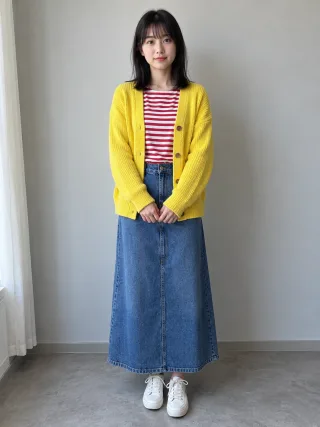
Singer
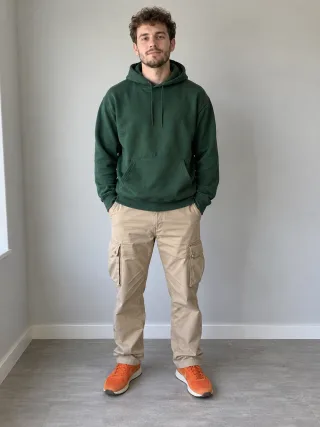
Drummer
Two photos + one performance, nothing else
Two separate photos. One shared performance.
APT MV AI is a photo-to-music-video maker for the APT. AI video trend. The performance, pink set and camera cuts are already chosen. Upload one clear image for the singer and another for the drummer; the generator uses those images as the two performers in a short clip. It is designed for this specific duo template rather than turning an uploaded song into a full-length music video.
What can you do with an APT. AI video?
The performance stays the same; the story changes with the two photos you choose and where you share the clip. Here are four practical starting points.
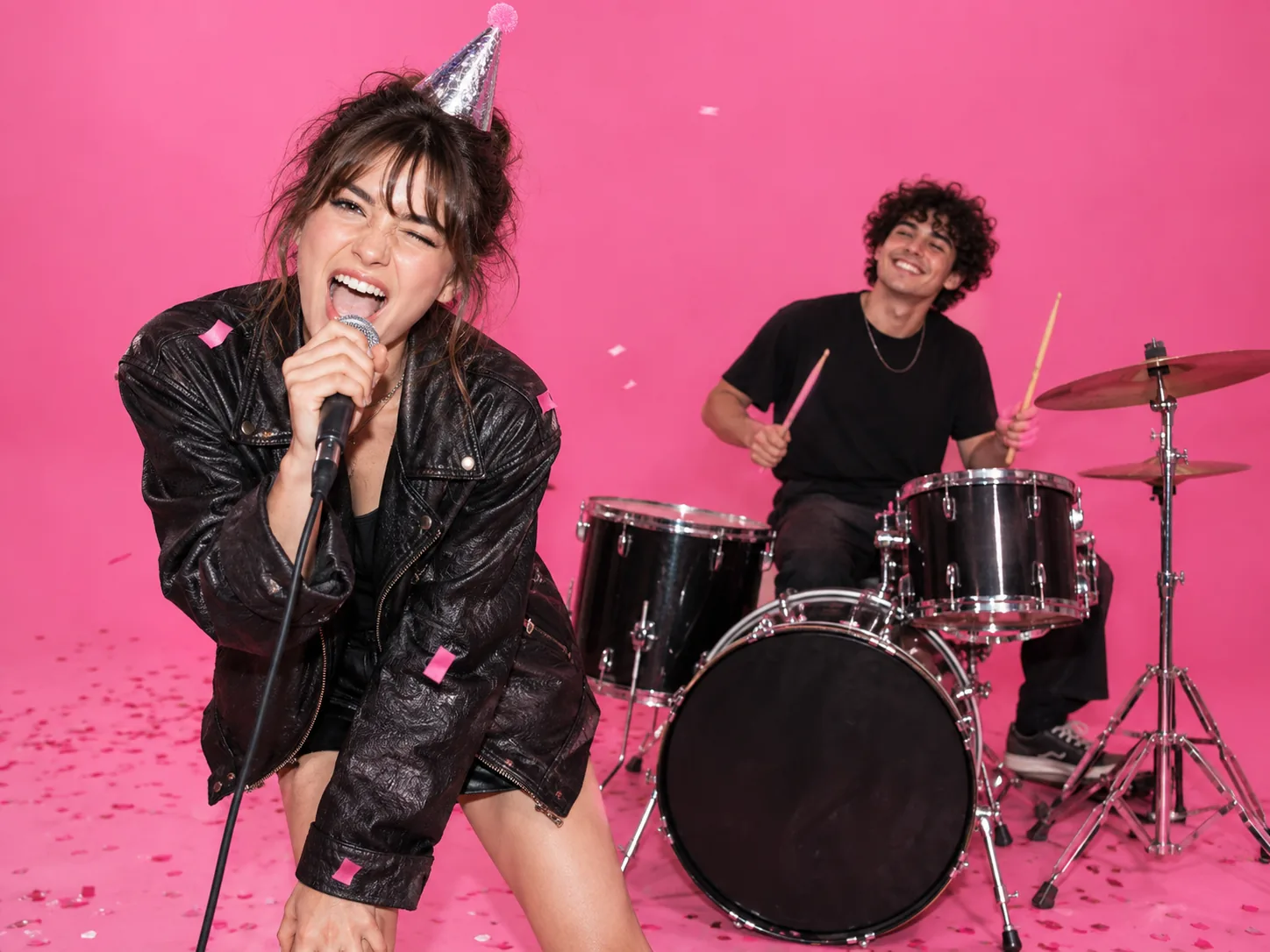
Turn a birthday greeting into a two-person performance
Use a clear photo of the birthday person for the singer and your own for the drummer, or swap the roles to make the reveal funnier. Choose a picture with a party hat if you want that detail carried into the clip. Download the 14-second APT. AI video and send it in a group chat or add a birthday message when you post it.
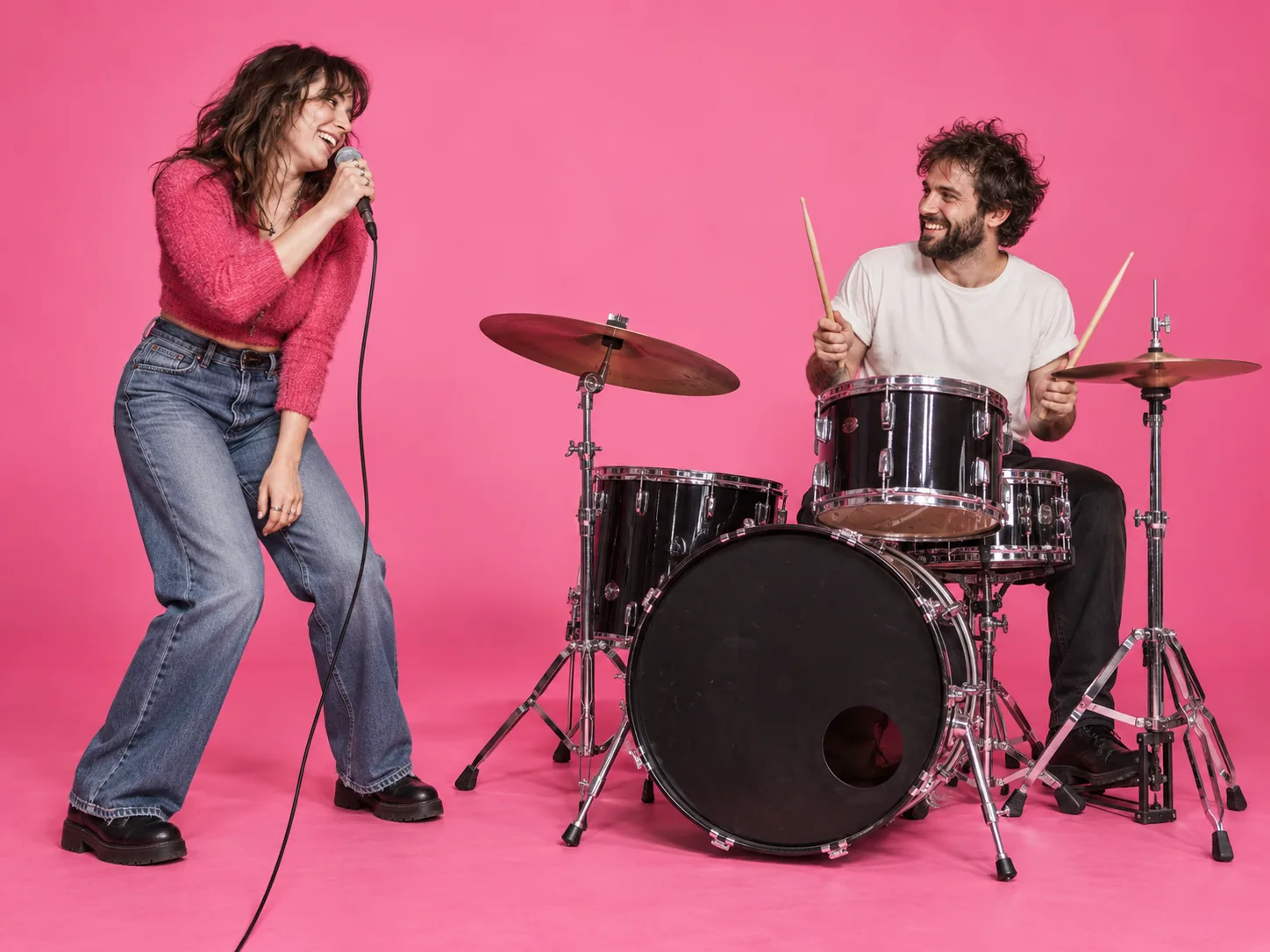
Put distant friends in the same frame
You do not need a photo taken together. Ask your friend for a front-facing portrait, add yours, and make a shared performance even if you live in different cities. The singer and drummer roles make a simple reveal: send the finished clip to the person in it before sharing it more widely.
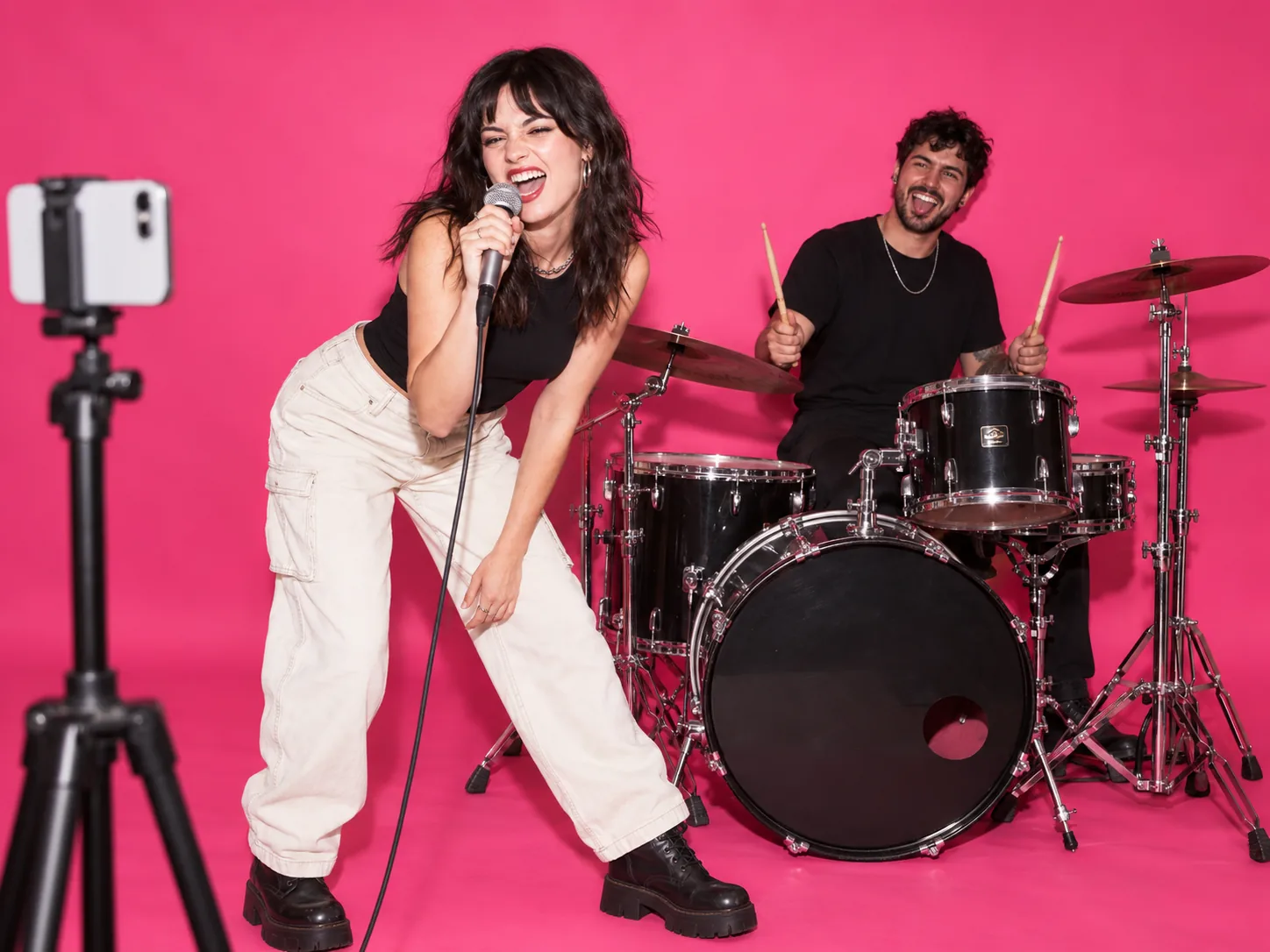
Open a Short or Reel with an instant duo
Use two recognizable portraits of your channel hosts or collaborators to make a quick, repeatable opening clip. Add your channel name, captions and any licensed platform audio in your editor after downloading. The built-in performance gives your video a visual hook without staging a shoot for every post.
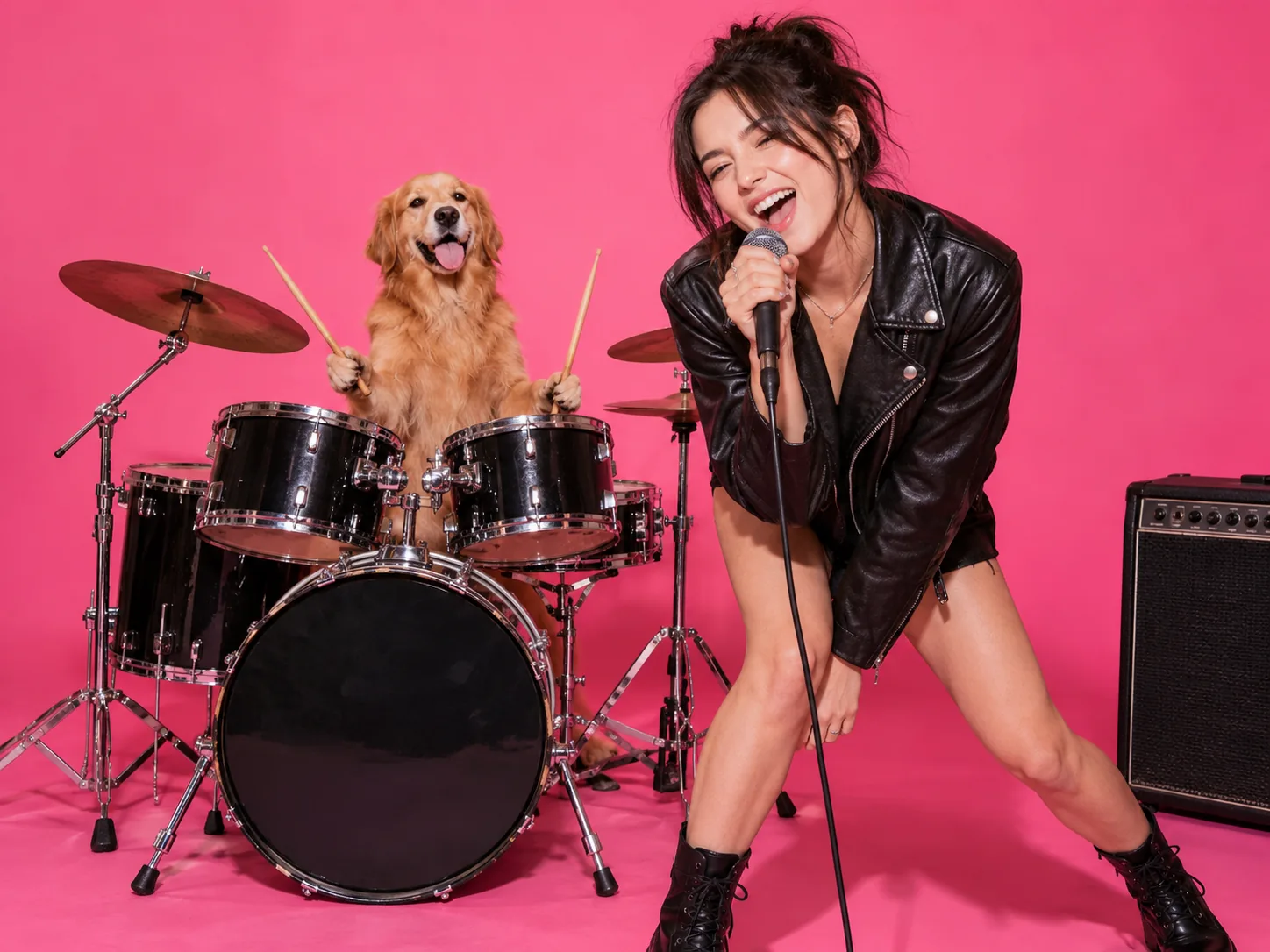
Give your pet the drummer's seat
Pair your own portrait with one clear photo of your dog or cat for a human-and-pet APT. AI video. Put the pet in the drummer slot, or swap the photos and see it take the lead. Use the result as a playful post for a pet account, then add the caption or trending sound on the platform you use.
How to make an APT. AI video from photos
Start with two clear portraits. The page supplies the performance reference, so you can focus on who appears in it.
Choose the singer and drummer
Upload one photo for each role. Use one visible face or pet per image, with good light and little obstruction. The images can come from different days or different phones.
Check the model, quality and cost
The APT. performance is selected for you. Pick an available model and resolution, then read the credit amount shown in the generator before starting. Your choices affect the cost and the final look.
Generate and finish your post
When the video is ready, download the MP4. Add captions, a birthday note, or licensed music in your posting app if you want them; the generator does not create those extras inside the clip.
Inside the template
The APT. AI video prompt is already built in
The reference controls the performance. Your two photos cast the people or pets in it. Here is what each part contributes before you press Generate.
The built-in direction, in plain English
Follow the pink-studio performance shot by shot. Use Photo 1 for the singer and Photo 2 for the drummer. Keep their visible features and clothes consistent through the cuts, then bring both together for the final dance.
This summarizes the preset's instructions; there is no prompt to paste into the form. AI video can still vary fine details, so clear source photos matter.
Your creative input
Cast the two roles with your photos
- 01
Photo 1 · Singer
Pick one well-lit face with the mouth and hair visible. The clip includes singing close-ups, so avoid a tiny face, heavy filter or hand across the mouth.
- 02
Photo 2 · Drummer
Use one clear person or pet, with the face or markings easy to see. The drummer starts at the kit and appears again beside the singer at the end.
- ↔
Swap for a different reveal
Keep the same two photos but reverse their slots to change who takes the microphone. That one choice gives a birthday clip or pet cameo a different lead performer.
The APT. template is ready when your photos are
This tool keeps the workflow narrow: two source images, assigned roles and one recognizable pink-studio performance. You can judge the input and cost before generating.
Separate photo slots
Choose the singer and drummer independently. There is no need to find a picture where both subjects are already together.
Roles follow your upload order
The first photo guides the singer; the second guides the drummer. If you want the other person in front, swap the images before you generate.
A full duo scene
The reference clip supplies the singing, drumming, shared moves and camera cuts. The result is a short performance, not a photo slideshow.
Preview the performance first
Watch the sample clip to see the camera cuts and final dance before using credits. You know the format your two photos are going into.
People-and-pet combinations
A dog or cat can fill one role while a person fills the other. A clear, front-facing pet photo gives the model a better starting point.
A clip you can edit after download
Export the MP4 and add your own caption, intro, or licensed song in your usual editor or social app before publishing.
Simple pricing, no subscription
Buy a credit pack once and use it whenever you like. Bigger packs come with bonus credits, and credits never expire.
- Credits never expire
- No auto-renewal
- Secure checkout
APT. AI video questions
Photos, roles, audio, credits and what to expect from the generated clip.
It takes two source photos and makes a short APT.-inspired duo performance in a pink studio. One uploaded subject fills the singer role and the other fills the drummer role. The set, choreography and camera cuts come from the built-in reference clip.
No. This page is for one APT.-style performance template, not a full-song editor or a general song-to-video generator. You supply two photos, choose an available model and resolution, and generate a short clip.
Yes. Upload each person or pet separately; the source images do not have to show them together. Choose photos with clear faces or pet features and similar lighting if you can.
The first upload is the singer and the second is the drummer. The singer starts with the microphone, while the drummer begins at the kit. Swap the two uploads before generating if you want to switch their roles.
Yes. Try a cat and a dog, two pets, or a person and a pet. Give each role its own image. A single pet facing the camera works better than a crowded photo where the model has to guess which animal you mean.
Use one subject per image, facing forward or only slightly turned, with the face unobstructed and enough light to see details. Avoid sunglasses, strong beauty filters, tiny faces and group photos. Generated identity and motion can still vary between attempts.
No. This page already includes the pink-studio performance reference and its choreography. Upload the two photos, choose the model and quality offered on the page, and start the generation.
No. The generated clip may have model-produced sound, but this tool does not provide the original commercial recording or accept your own song upload on this page. If you want to use the original track in a post, select it from that platform's licensed music library when available.
The template is about 14 seconds long and follows a 4:3 reference video. When your generation finishes, you can download an MP4 to keep or edit before posting.
AI video can change fine details across frames, especially when a face is partly hidden, the source image is low resolution, or two subjects appear in one photo. Try a sharper image with one clearly visible subject per slot. Results are generated, so an exact likeness is not guaranteed.
The amount depends on the model and resolution you choose. The generator shows the credit cost before you start, so check that number for your selected settings. Any available sign-up or check-in credits depend on the current account offers.
You can download the MP4 and prepare it for those platforms. Add captions and any music you have the right to use in the editor or platform app. Check the platform's rules and your rights to the photos and audio before publishing.
Use photos you own or have permission to use, and get the person's consent before making or sharing a video of them. This is a fan-made APT.-style tool and is not affiliated with the original artists or their labels.
Make your two-photo APT. video
Pick a singer, pick a drummer, and watch them share the pink studio. Download the short clip, then add your own finishing touches before posting.